This SOP outlines the steps to record a video effectively, ensuring clarity and consistency in the process.
Step 1: Start Recording 0:00
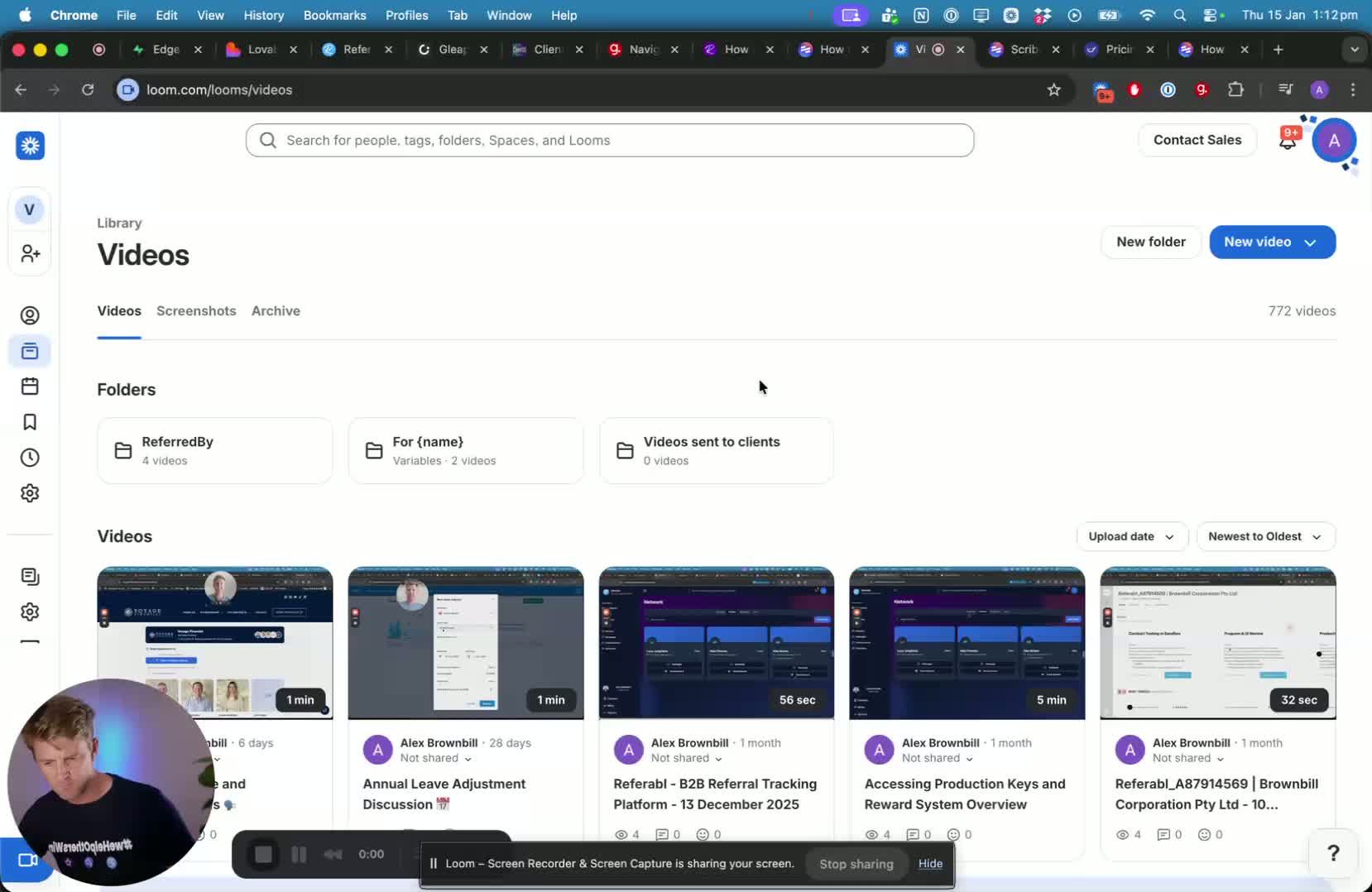
Begin by preparing your recording setup.
Ensure that your camera and microphone are functioning properly.
Click on the 'Record' button to start the video.
Step 2: Navigate Through Content 0:11
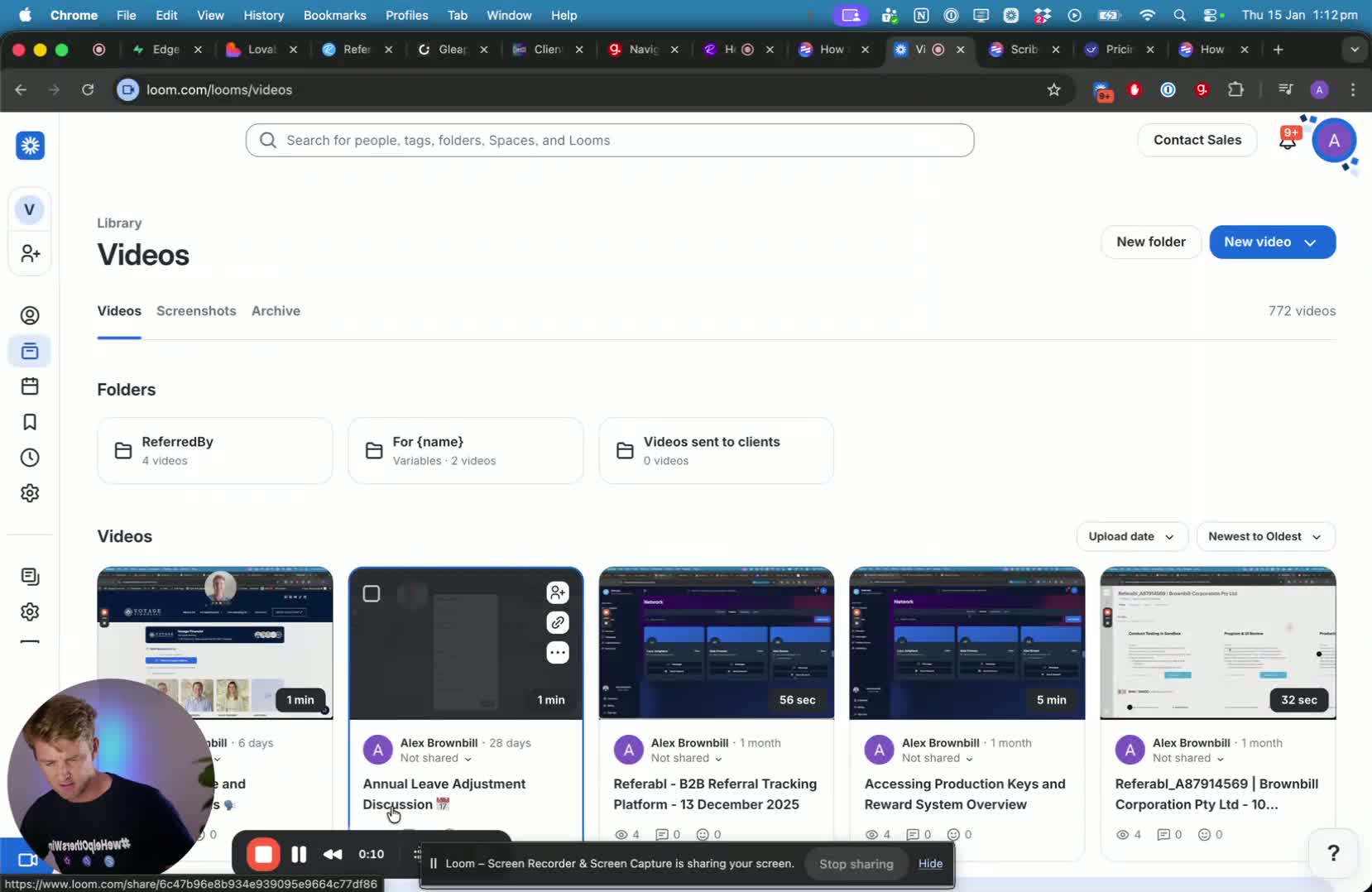
As you record, navigate through the content you wish to present.
Click on the necessary buttons or links to demonstrate the process clearly.
Step 3: End the Recording 0:11
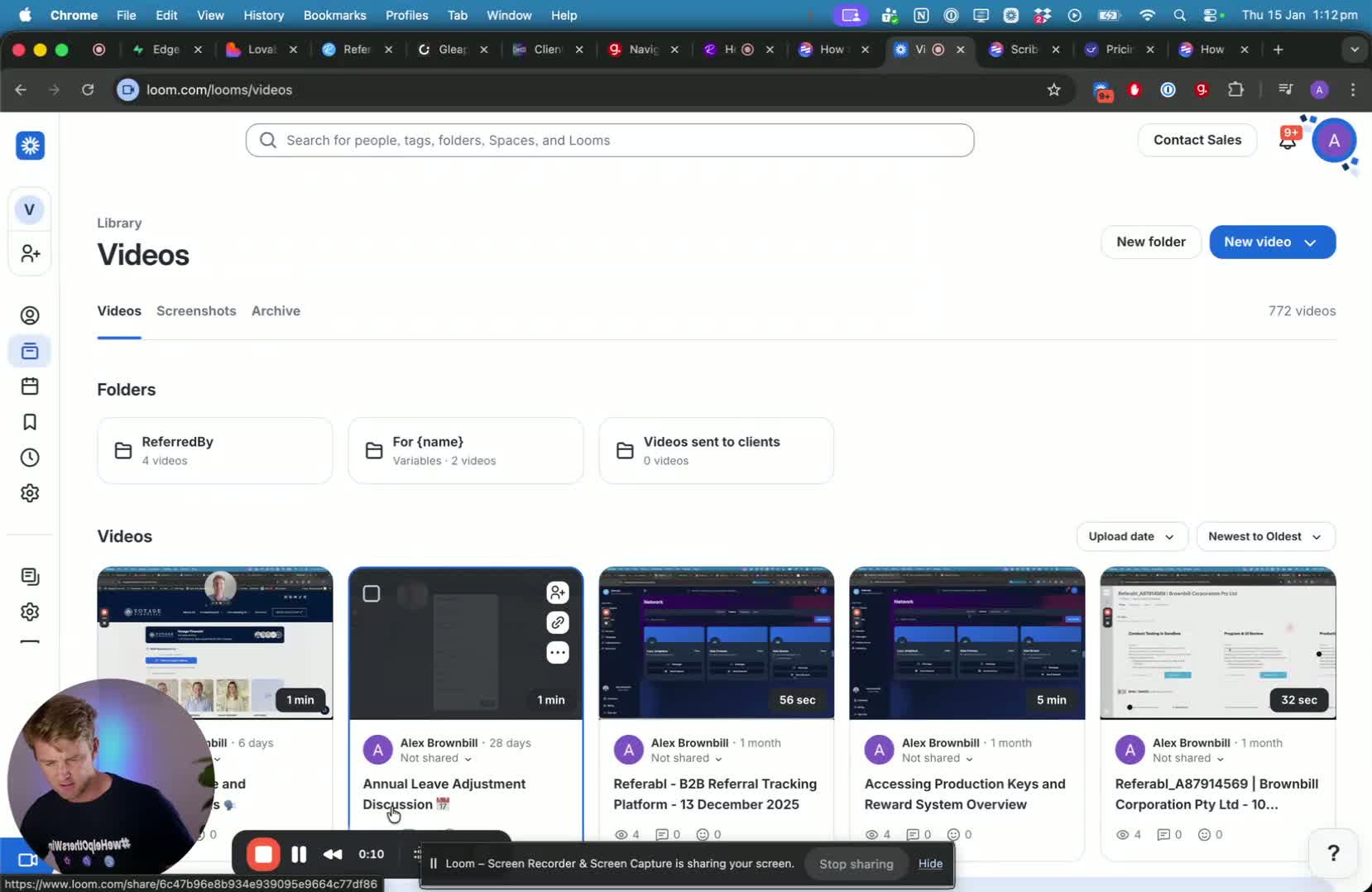
Once you have completed your presentation, click on the 'Stop' button to end the recording.
Ensure that you save the video file appropriately.
Make sure to check your audio levels before starting the recording to avoid poor sound quality.
Ensure that your recording environment is quiet to minimize background noise.
Prepare a script or outline of what you want to cover in the video to stay on track.
Do a test recording to check video and audio quality before the final recording.
https://loom.com/share/c8063411880745ce86d521ac6ccbebfb