Your digital business card is the foundation of Referabl.
https://loom.com/share/e381a1ddf53a494f9ef1f76414dfd261
Introduction to the Referral Card 0:00
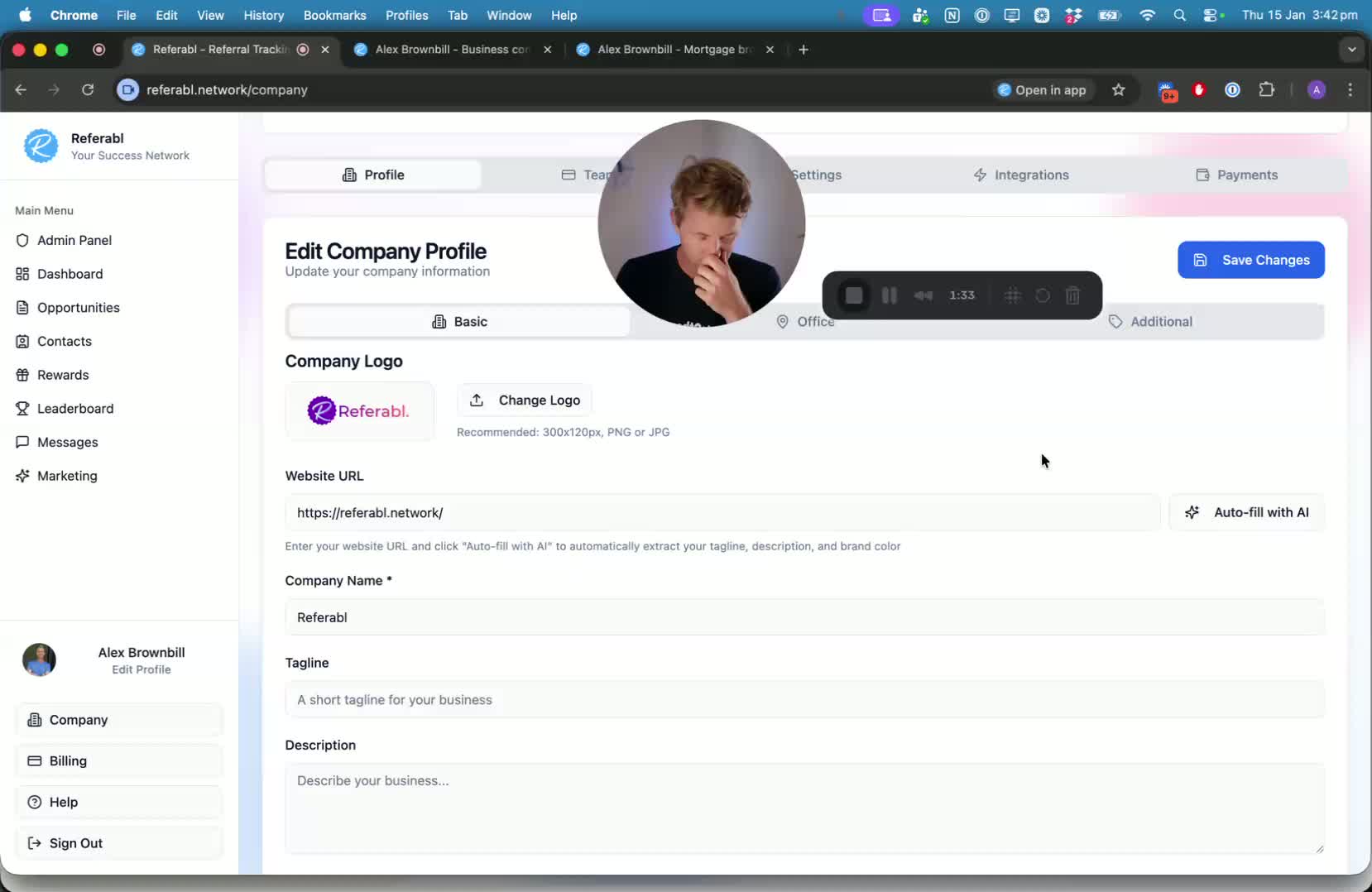
Overview of the referral card as a central feature of Referrable.
Importance of the referral card for contacting, submitting inquiries, and forwarding details.
Viewing a Complete Referral Card 0:35
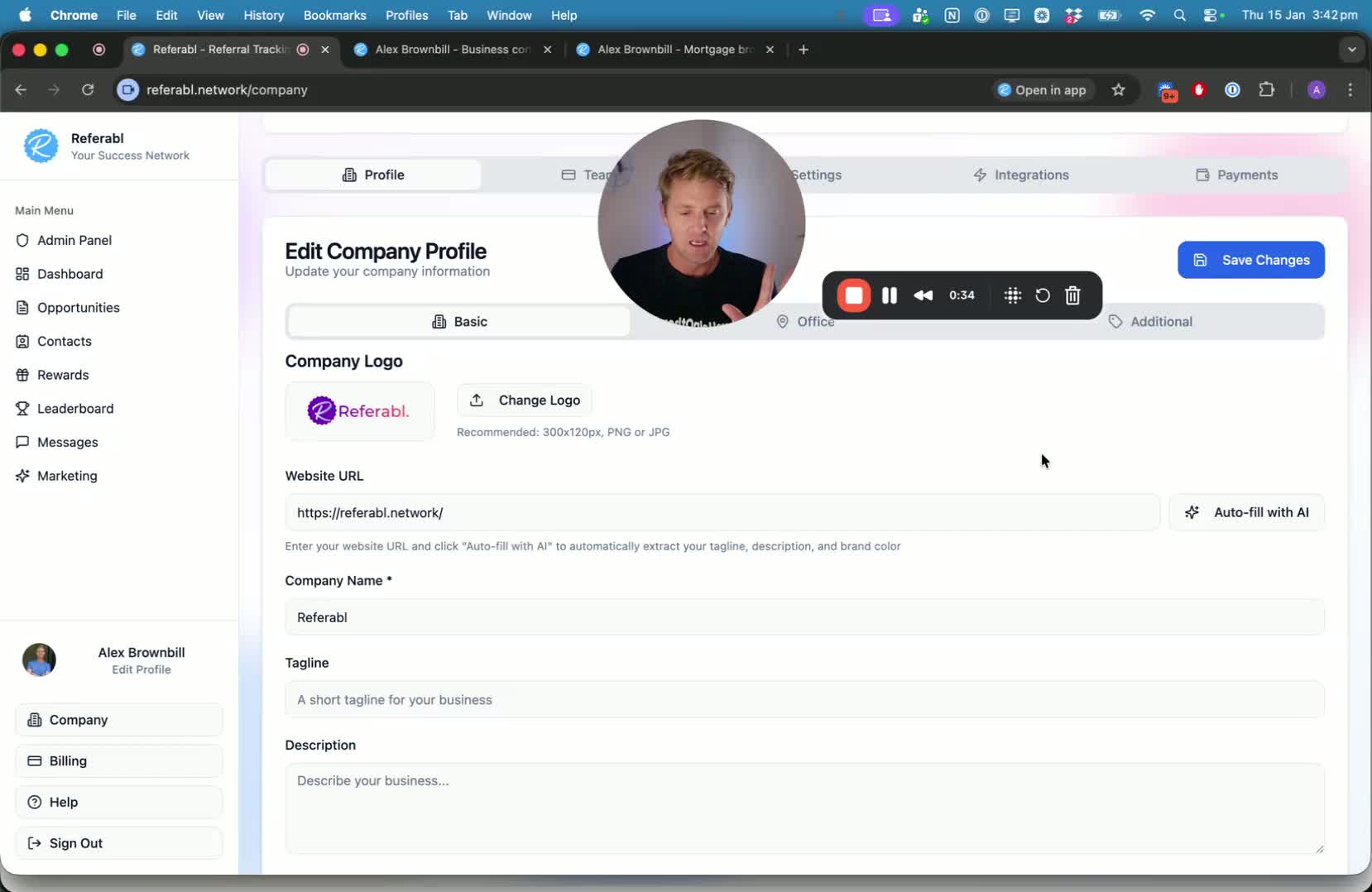
Demonstration of the referral card on both browser and mobile.
Key features include:
Customizable background color
Logo and avatar upload
Name and tagline
Industry and location information
Video introduction and bio
Recommendations from other professionals
Contact details and save contact button.
Sharing and Referring 2:09
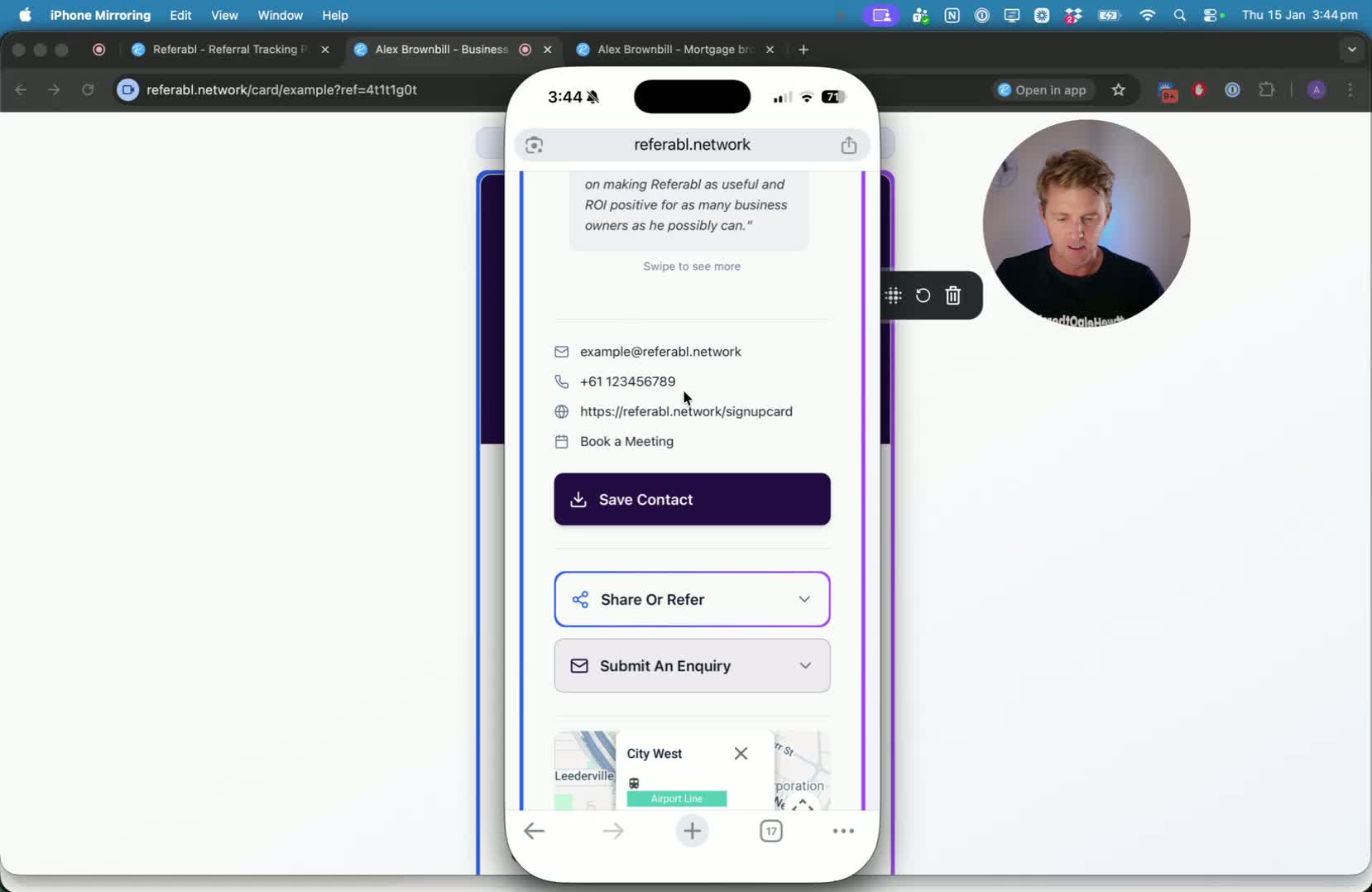
Explanation of how to share the referral card:
QR code scanning
Direct sharing via contacts
Submitting inquiries directly from the card.
Setting Up Your Profile 4:20
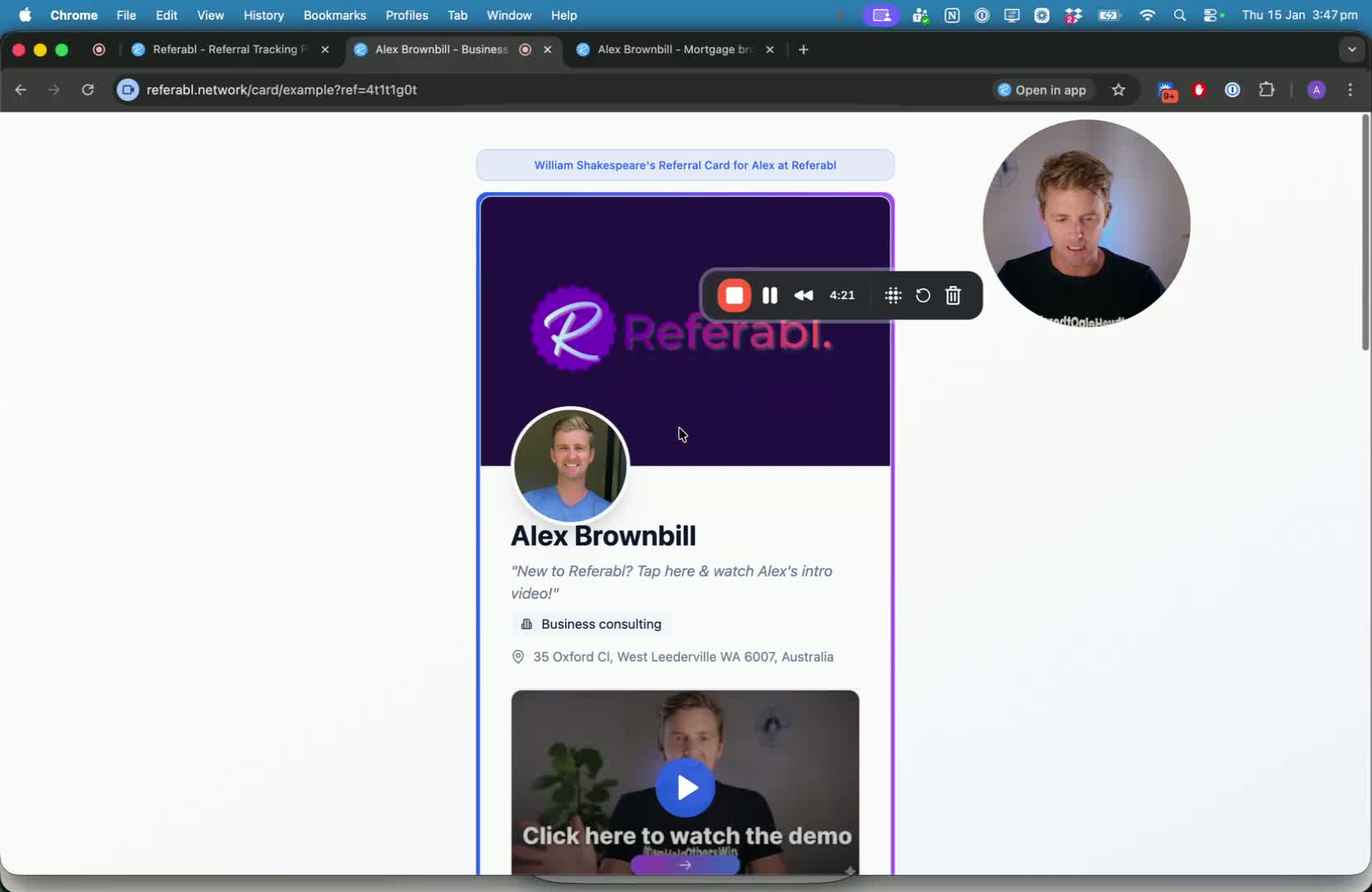
Steps to fill out your profile:
Enter website URL and use Auto Fill with AI for quick setup.
Ensure to save all entered information.
Adding Office Information 5:44
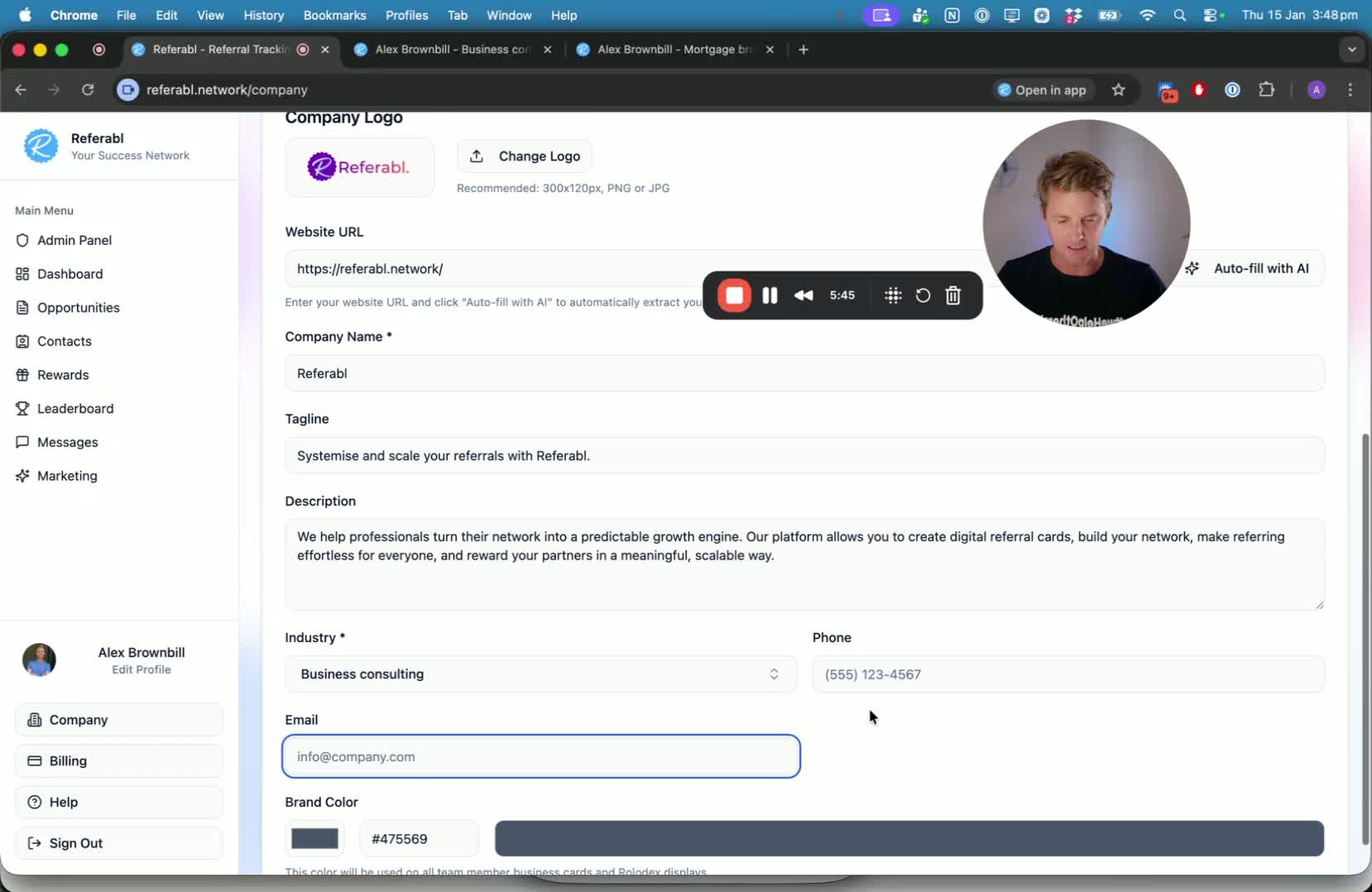
Input your office address using Google integration.
Include business hours and save the information.
Customizing Your Card URL and Social Media Links 6:40
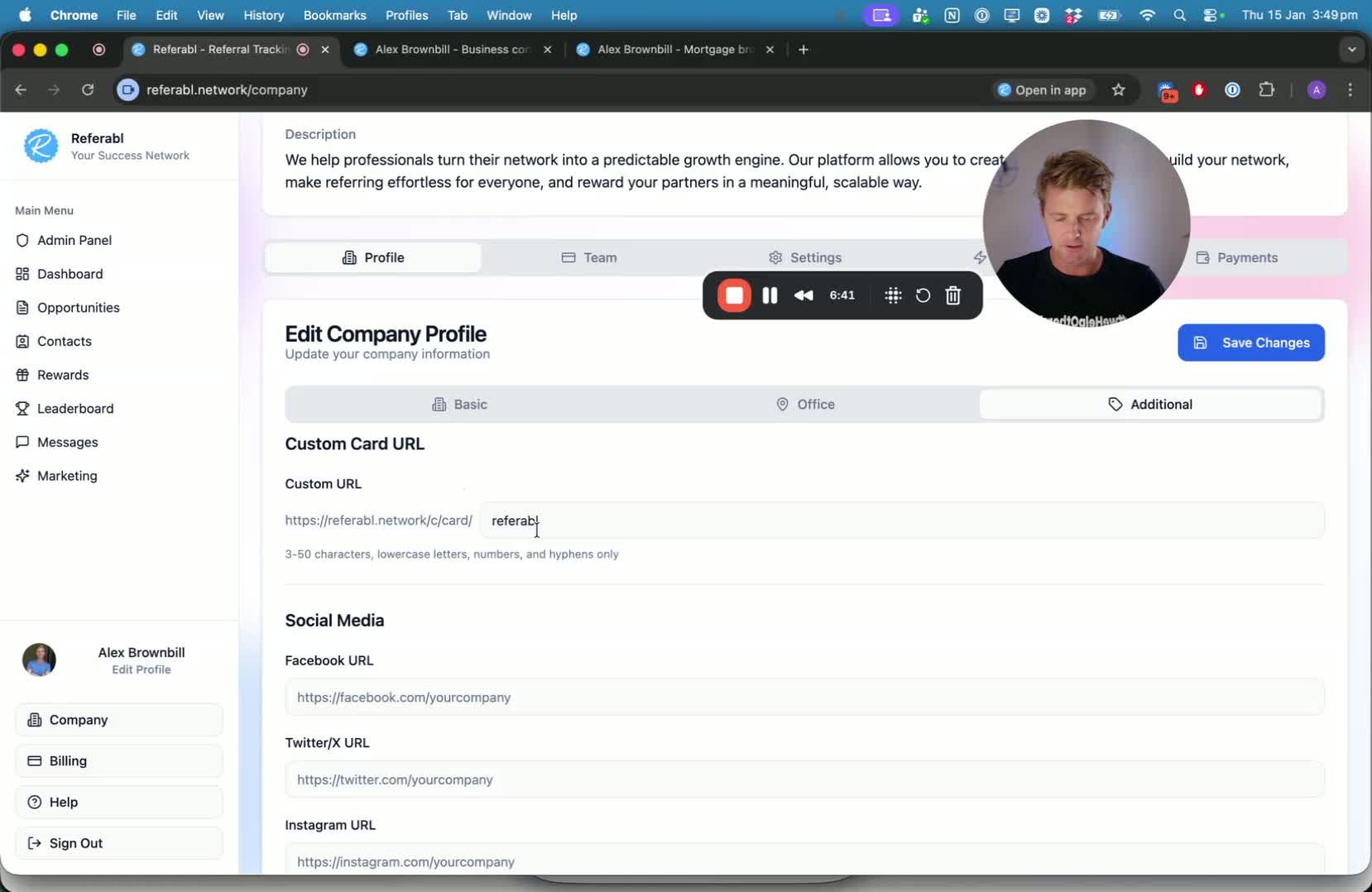
Enter a custom card URL to avoid default numbers.
Add social media links and a company video.
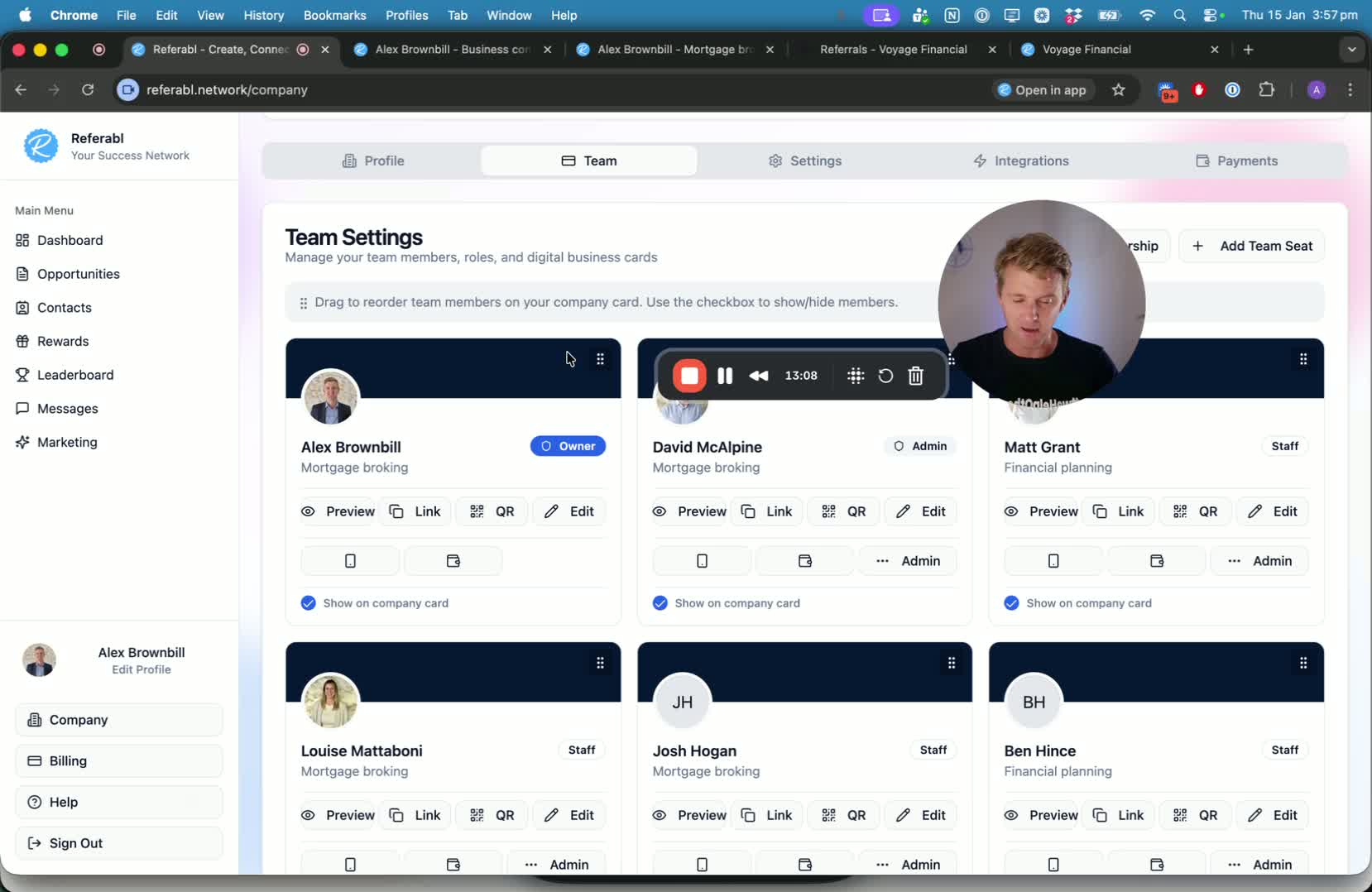
Managing Team Members 9:28
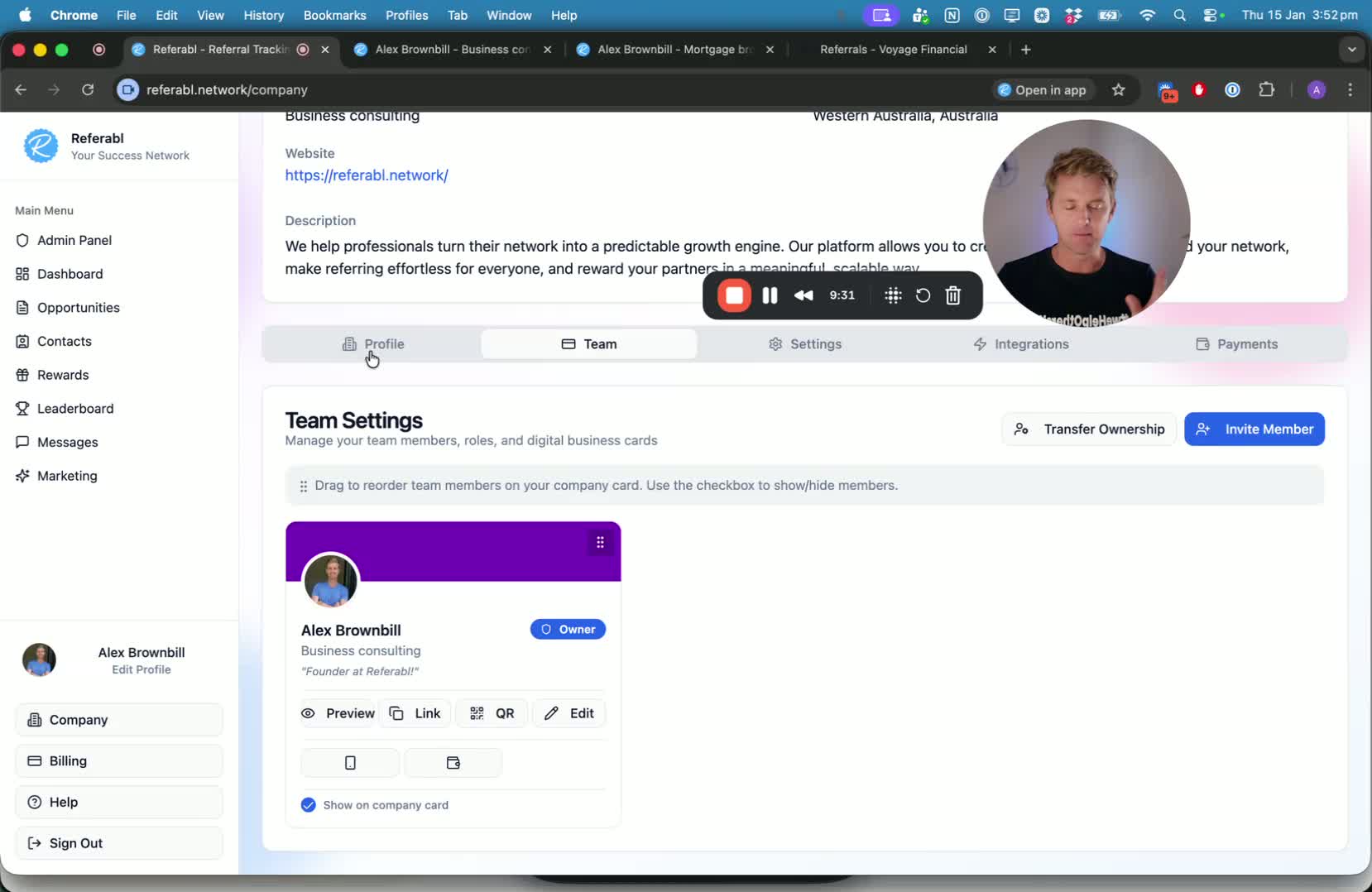
Inviting team members to the referral card system.
Editing individual team member profiles and business card information.
Using the Company Card Feature 11:12
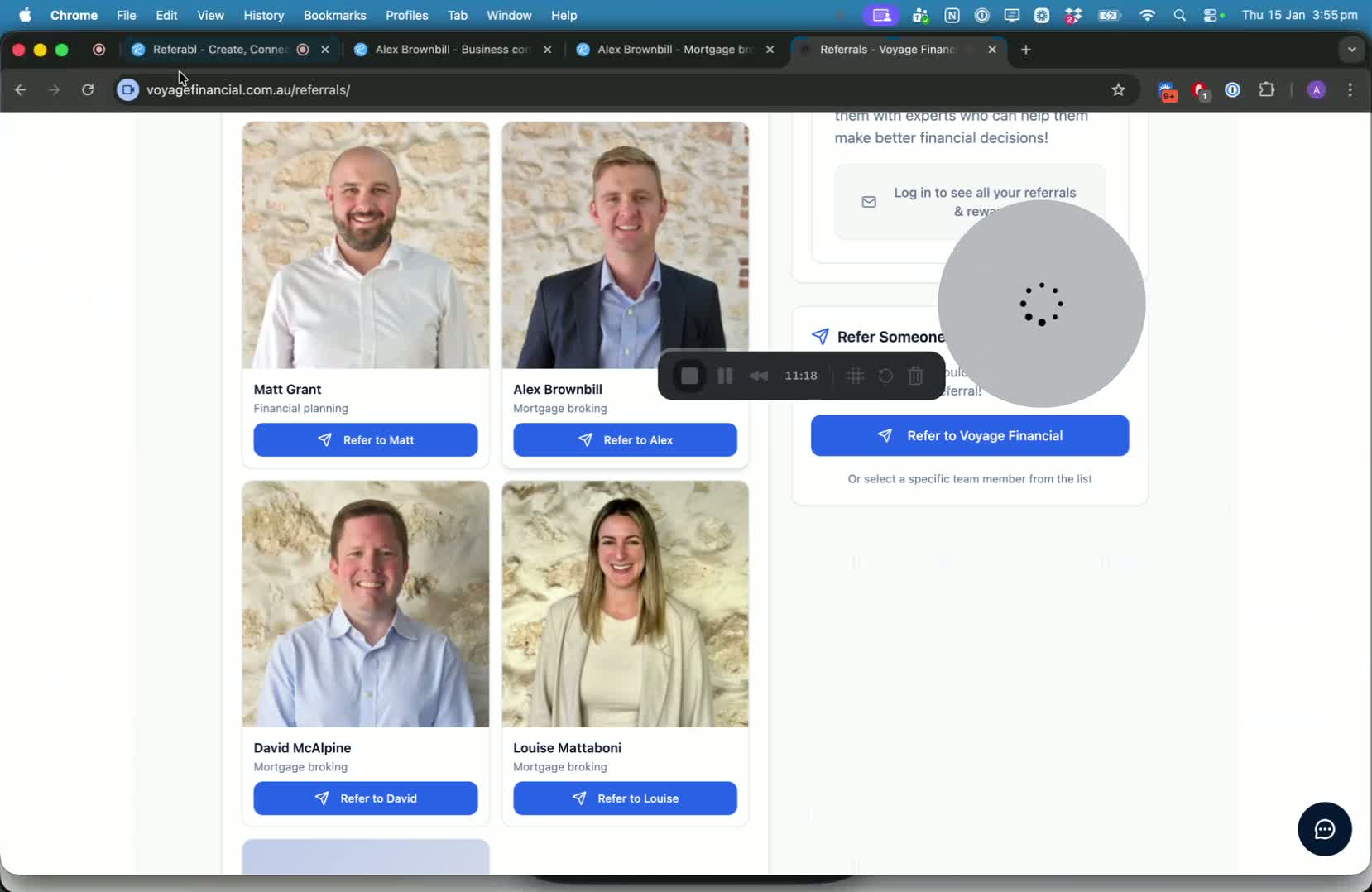
Explanation of the company card that reflects all team members.
Ability to manage visibility of team members on the company card.
Best Practices for Video Content 12:52
Recommendations for creating a short, impactful video introduction (around 2 minutes).
Utilizing the Referral Card 13:41
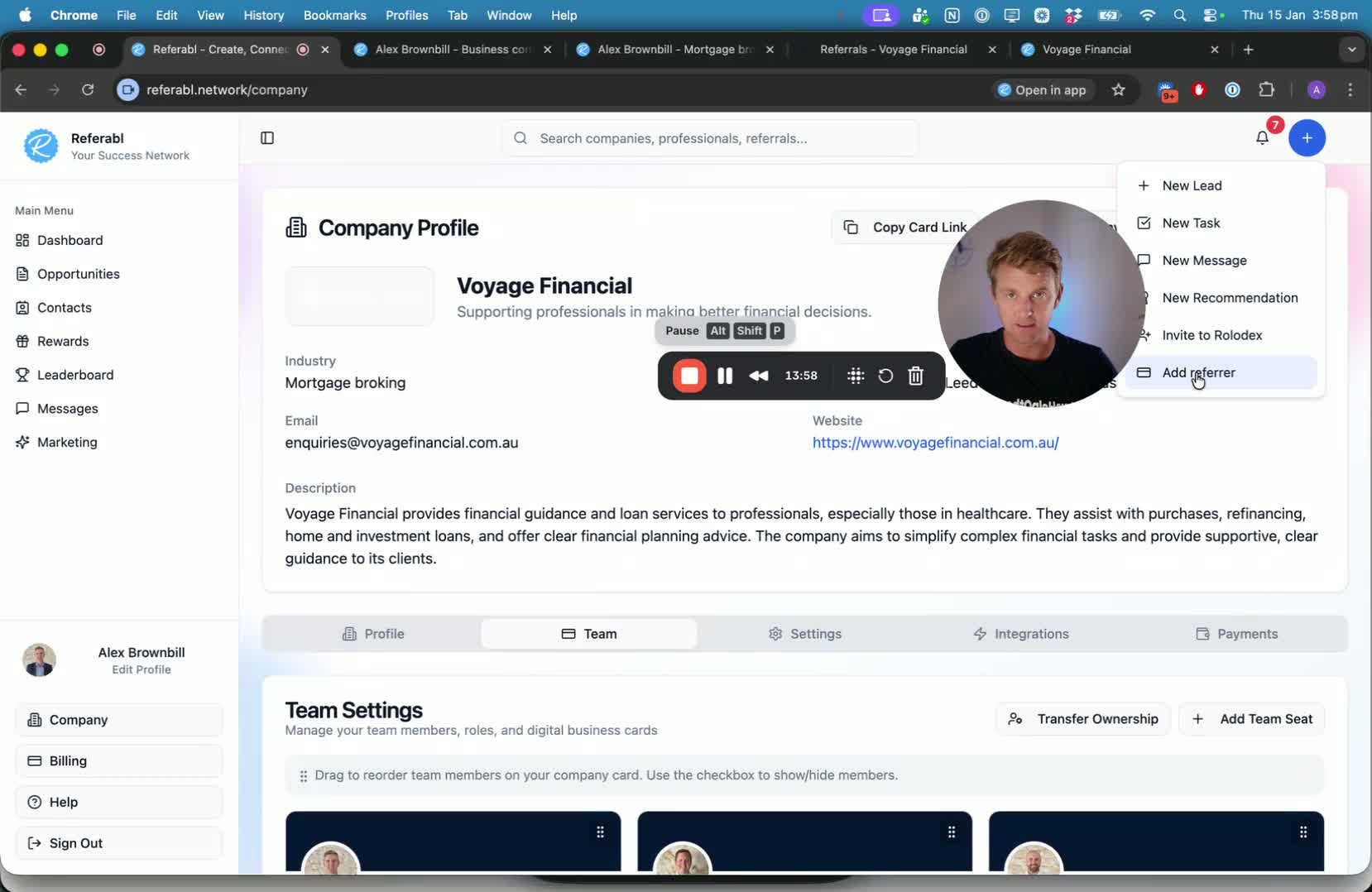
Methods to send personalized referral cards to contacts.
Accessing sent referral cards and managing them.
Conclusion and Support 15:14
Encouragement to ask questions in the Facebook group or submit help requests.